by recoveryadmin | Jul 18, 2024 | GstarCAD 2025 (Enhancement)
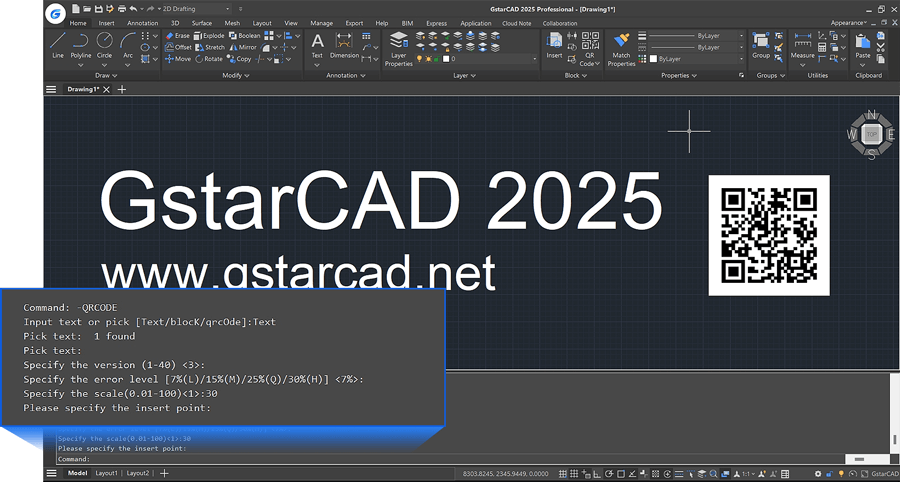
The QRCODE command now supports command line mode -QRCODE, facilitating the creation of QR codes via scripts or programs.
by recoveryadmin | Jul 18, 2024 | GstarCAD 2025 (Enhancement)
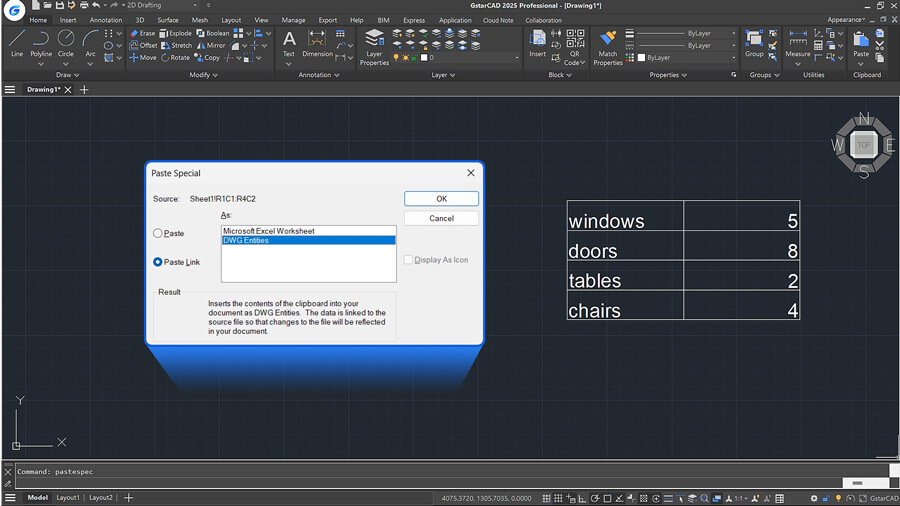
After copying data from an Excel worksheet to the clipboard, use the PASTESPEC command and select ‘Paste Link’ to paste the Excel data as ‘DWG Entities’. After insertion, you can modify the table. Additionally, a data link will be automatically...
by recoveryadmin | Jul 18, 2024 | GstarCAD 2025 (Enhancement)
GstarCAD 2025 introduces key updates to enhance licensing management and security, such as: subscription notifications before expiration, real-time online user number display for the GstarCAD Network License Manager, and the upgrade of the USB standalone dongle from...
by recoveryadmin | Jul 18, 2024 | GstarCAD 2025 (Innovative Features)
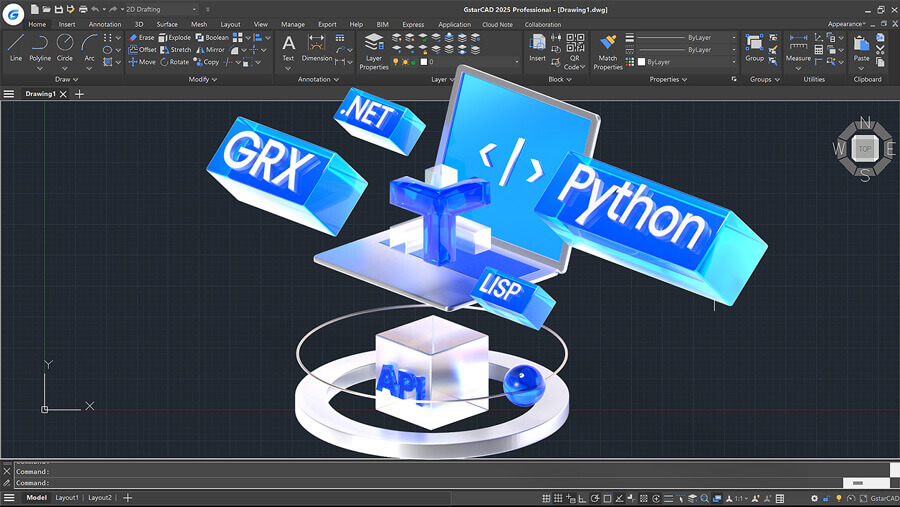
GstarCAD offers robust APIs for developers to migrate or build applications on GstarCAD. This year, in addition to the continuous improvement of integrity and compatibility of GRX, .NET and LISP interfaces, GstarCAD 2025 now supports Python, offering over 790...
by recoveryadmin | Sep 11, 2023 | GstarCAD 2024 (Enhancement)
The stability and performance has significantly improved in GstarCAD 2024, enhancing your design workflow. Large raster images processing is faster and smoother with high display quality, Hatch preview and lineweight display remains in high performance even in complex...
